Introduction
Building Information Modeling (BIM) plays an important role in modern architecture, engineering, and construction. Autodesk Revit is widely used to create intelligent 3D models, coordinate building systems, and produce technical documentation. However, not all Revit models serve the same purpose. Two common approaches are as-built modeling and design modeling.
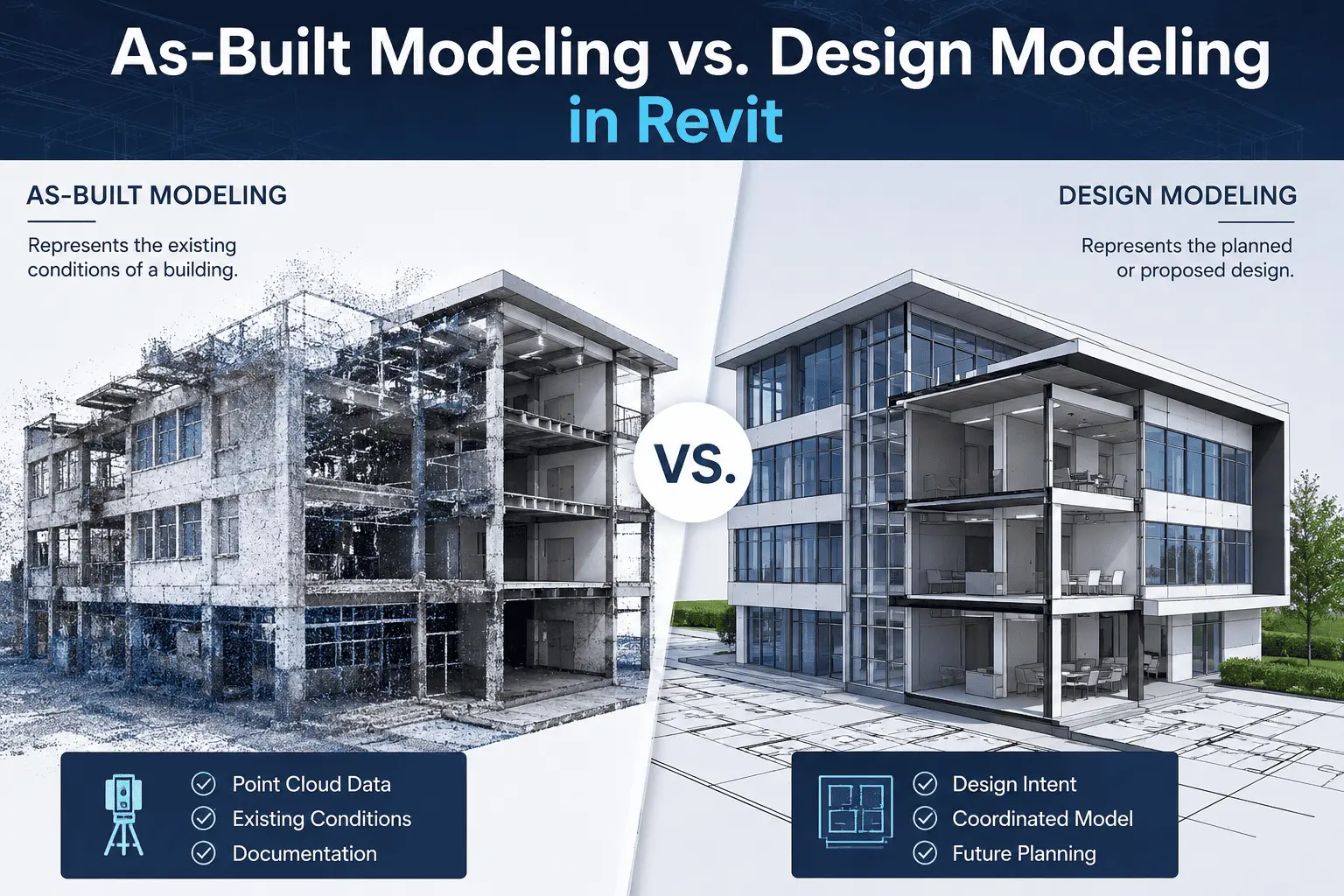
As-built modeling focuses on representing the actual conditions of an existing building or structure, while design modeling focuses on developing a proposed building or structure based on architectural, structural, and engineering requirements.
Understanding the difference between these two approaches helps BIM professionals select the appropriate workflow, modeling methods, and level of detail for each project.
1. What Is As-Built Modeling in Revit?
As-built modeling is the process of creating a digital representation of an existing building, structure, or facility based on its actual physical conditions.
The model may be developed using laser-scanned point cloud data, site measurements, photographs, existing drawings, or a combination of these sources. The objective is to document the building as it exists rather than simply reproduce the original design.
In Autodesk Revit, as-built modeling may include existing walls, floors, columns, beams, roofs, MEP systems, structural connections, and other building components.
Common Applications of As-Built Modeling
-
Existing building documentation
-
Renovation and refurbishment projects
-
Point cloud to BIM modeling
-
Facility and asset management
-
Structural inspection and modification planning
-
Historical building documentation
-
Existing MEP system coordination
Benefits of As-Built Modeling
As-built models provide a better understanding of existing conditions and can help identify discrepancies between original drawings and the physical building. They also support renovation planning, project coordination, and ongoing facility management.
However, the reliability of an as-built model depends on the quality of the source information, scan coverage, measurement accuracy, and modeling requirements.
2. What Is Design Modeling in Revit?
Design modeling is the process of developing a digital building or structure based on proposed design requirements, engineering calculations, architectural concepts, and project specifications.
Unlike as-built modeling, design modeling represents the intended condition of a project rather than an existing physical condition.
In Revit, architects and engineers create building elements, structural systems, rooms, circulation areas, and MEP components according to the project design. These elements can be modified as the design develops.
Common Applications of Design Modeling
-
New building construction
-
Architectural design and planning
-
Structural engineering design
-
MEP system design and coordination
-
Design development and visualization
-
Construction documentation
-
Design alternatives and coordination studies
Benefits of Design Modeling
Design modeling helps project teams visualize proposed solutions, coordinate building systems, identify design conflicts, and generate drawings and schedules from a coordinated model.
Revit also supports parametric modeling, allowing associated views and documentation to update when model elements change.
3. Key Differences Between As-Built and Design Modeling
Although both approaches use Autodesk Revit, their objectives, data sources, and modeling workflows differ.
| Feature | As-Built Modeling | Design Modeling |
|---|---|---|
| Main purpose | Document existing conditions | Develop proposed conditions |
| Primary data | Point clouds, surveys, measurements, existing drawings | Design drawings, specifications, calculations |
| Geometry | Based on measured or verified conditions | Based on design intent |
| Starting point | Existing physical building or structure | Project requirements and design concepts |
| Common tools | ReCap Pro, Revit, laser scanning tools | Revit, design and engineering tools |
| Main focus | Existing-condition accuracy | Design development and coordination |
| Typical changes | Reflect verified existing conditions | Revise and refine the proposed design |
| Common deliverables | As-built BIM models and documentation | Design models, drawings, schedules, and documentation |
| Main applications | Renovation, documentation, facility management | New construction and building design |
The main distinction is that as-built modeling documents what exists, whereas design modeling develops what is intended to be built.
4. As-Built Modeling Workflow in Revit
A structured workflow helps create an accurate and useful as-built BIM model.
Step 1: Collect Existing-Condition Data
Gather available architectural and structural drawings, site measurements, photographs, and laser-scanned point cloud data.
Step 2: Process Point Cloud Data
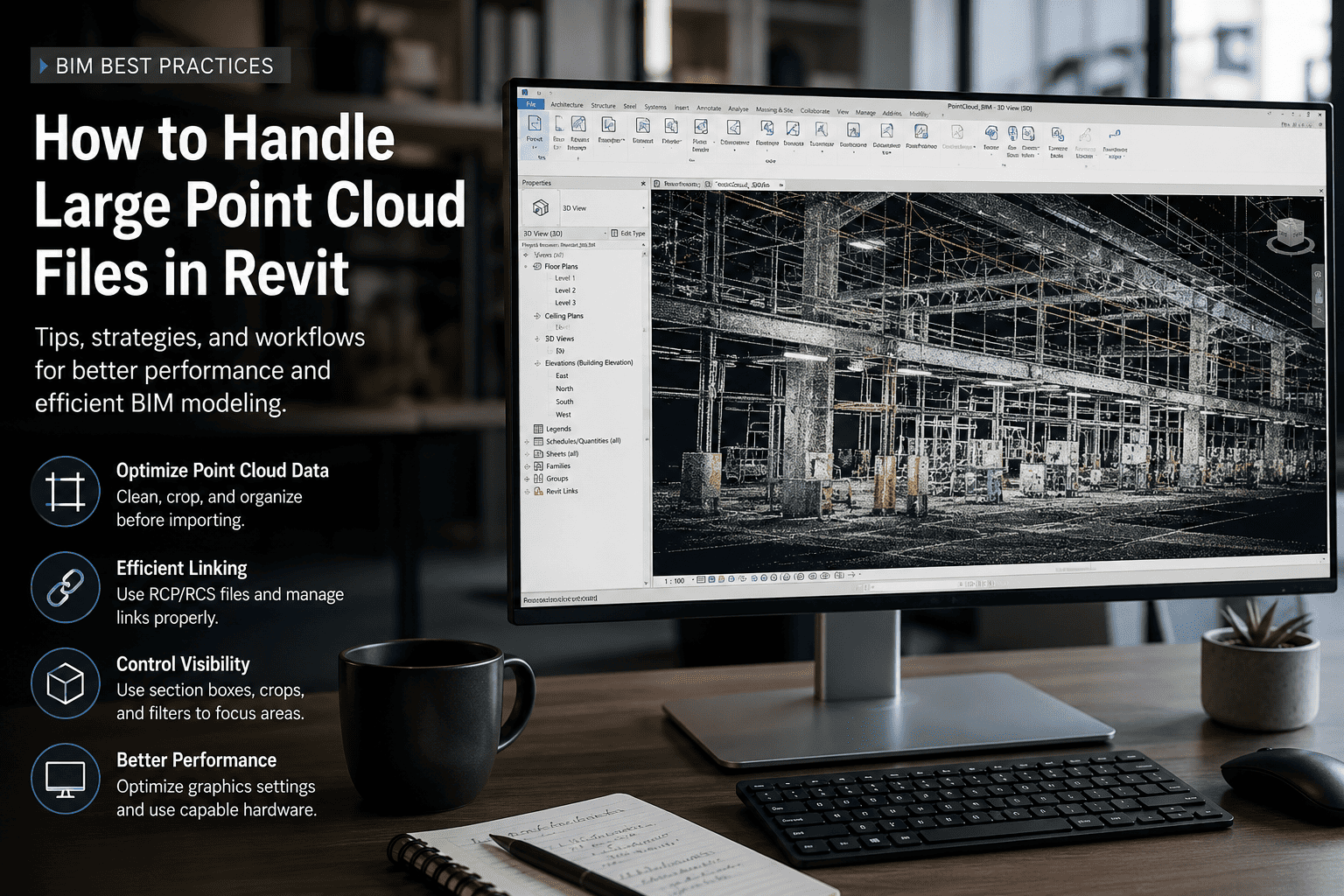
When laser scanning is used, register and process the scan data using suitable software such as Autodesk ReCap Pro. Remove irrelevant data where appropriate and organize the dataset for modeling.
Step 3: Link the Point Cloud into Revit
Link the processed point cloud into Revit and verify its coordinates, orientation, and position before beginning the modeling process.
Step 4: Develop the As-Built Model
Create the required walls, floors, columns, beams, roofs, structural members, and other components using the scan and verified project information as references.
Step 5: Validate the Model
Compare the modeled geometry with the available point cloud, measurements, and reliable documentation. Investigate discrepancies and areas where scan information is incomplete.
Step 6: Prepare Documentation
Produce the required plans, elevations, sections, schedules, and 3D views based on the project scope.
The modeling detail and validation requirements should be established according to the intended use of the as-built model.
5. Design Modeling Workflow in Revit
Design modeling follows a different process because the objective is to develop and document a proposed solution.
Step 1: Review Project Requirements
Study the architectural brief, design drawings, specifications, site information, and applicable engineering requirements.
Step 2: Establish the Revit Project
Set up project units, levels, grids, coordinates, and other essential project information.
Step 3: Create the Building Model
Develop architectural, structural, and MEP elements using appropriate Revit tools and families.
Step 4: Coordinate Building Systems
Review relationships between architectural, structural, and MEP components to identify potential clashes and design conflicts.
Step 5: Revise and Optimize the Design
Update model elements according to design reviews, engineering requirements, and coordination feedback.
Step 6: Generate Documentation
Produce coordinated drawings, schedules, sections, elevations, and other required project deliverables.
This workflow supports design development from the initial concept through detailed design and construction documentation, depending on the project's scope.
6. Role of Point Cloud Data in As-Built Modeling
Point cloud technology is particularly valuable when documenting existing buildings and infrastructure.
Laser scanners capture spatial information about physical surfaces, creating a detailed reference for developing a Revit model. This can reduce reliance on incomplete legacy drawings and help identify differences between documented and actual conditions.
A typical workflow uses Autodesk ReCap Pro to process scan data and Autodesk Revit to create the BIM model.
Point cloud data can support the modeling of structural members, walls, floors, equipment, and other visible components. However, hidden elements and inaccessible areas may require additional measurements, drawings, or investigation.
Point cloud data is generally a reference for modeling rather than a complete substitute for engineering verification.
7. Can As-Built and Design Modeling Be Used Together?
Yes. Many renovation, refurbishment, and extension projects require both approaches.
First, an as-built model documents the existing building. Architects and engineers then use this information as a basis for developing the proposed design.
For example, a renovation project may begin with a point cloud survey of an existing commercial building. The BIM team creates an as-built Revit model and shares it with the design team. The designers then develop proposed layouts, structural modifications, and MEP changes using the existing model as a reference.
This combined workflow helps project teams understand existing constraints and coordinate proposed modifications more effectively.
The existing and proposed conditions should be clearly distinguished in the model and documentation to avoid confusion during construction.
8. Choosing the Right Modeling Approach
The appropriate approach depends on the project's objectives and available information.
Choose as-built modeling when:
-
You need to document an existing building or structure.
-
Original drawings are incomplete or outdated.
-
Point cloud or site measurement data is available.
-
The project involves renovation, refurbishment, or asset documentation.
Choose design modeling when:
-
You are developing a new building or structure.
-
Architectural and engineering design is the primary objective.
-
Design alternatives need to be evaluated.
-
Coordinated construction drawings and schedules are required.
For projects involving both existing conditions and proposed modifications, combining as-built and design modeling may provide the most practical solution.
Conclusion
As-built modeling and design modeling are two important applications of Autodesk Revit, but they serve different purposes. As-built modeling focuses on accurately representing existing physical conditions, while design modeling focuses on developing and coordinating proposed building solutions.
By understanding their differences, BIM professionals can select suitable data sources, modeling workflows, and validation methods for each project.
Whether documenting an existing facility through point cloud to BIM or developing a new building design, an organized Revit workflow helps improve coordination, documentation, and information management throughout the project lifecycle.